


By Elias Shekh Writes the guides on this blog and builds the tools they describe.
How to Use QR Codes for Small Business: 10 Ideas That Actually Work
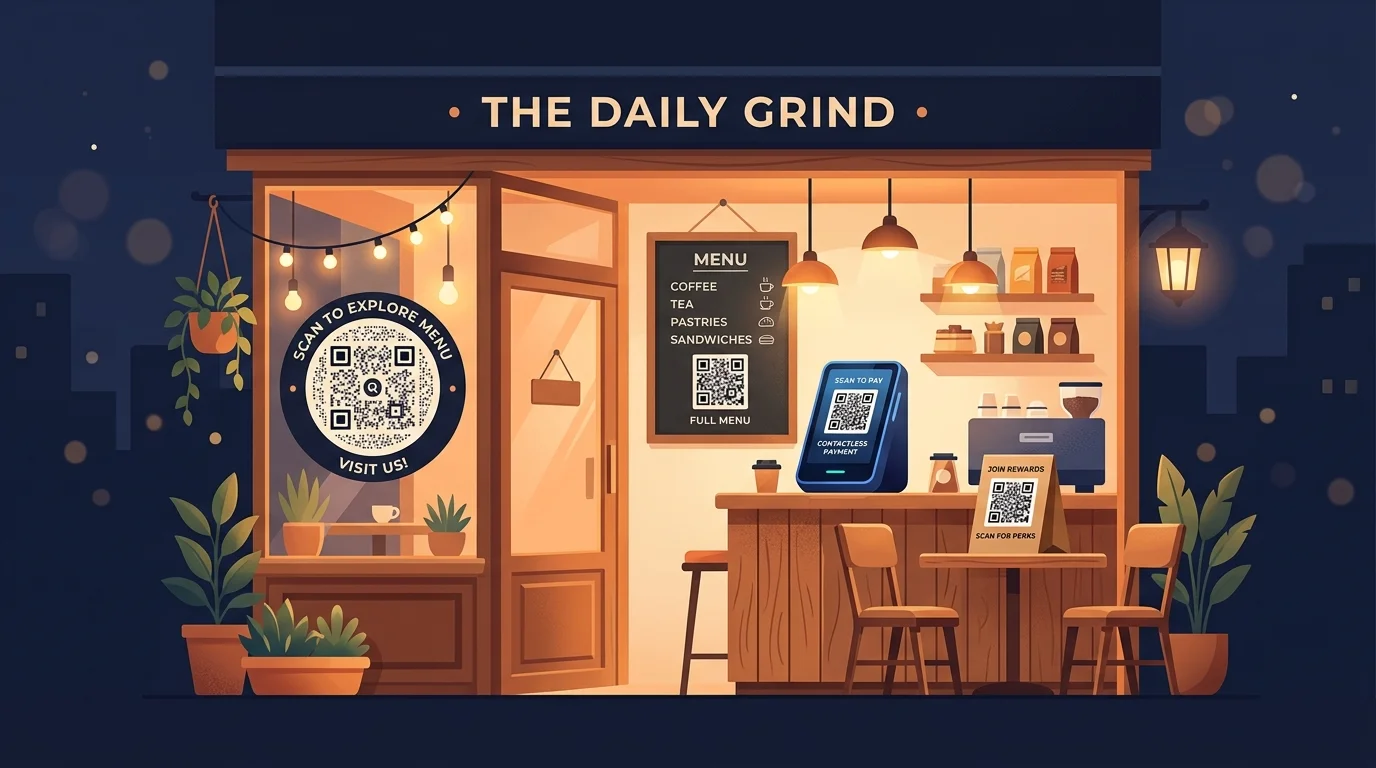
QR codes had their awkward phase — remember when scanning one on a cereal box took you to a non-mobile-friendly homepage? That era is over. Phone cameras now scan QR codes natively, no app required, and the use cases that actually work for small businesses are practical, not gimmicky. Here are ten that earn their place.
1. Digital menus for restaurants and cafes
This is the most visible post-pandemic QR code adoption, and it stuck because it genuinely solves a problem. A QR code on each table links to the current menu, which can be updated instantly when items sell out or prices change — no reprinting, no crossed-out items, no lamination. Use a dynamic QR code so the underlying URL can be swapped seasonally without replacing the physical codes.
2. Contactless payments
A printed QR code at the register or on an invoice lets customers pay via their banking app without fumbling for cash or waiting for a card terminal. This is especially valuable for market stalls, pop-up shops, and service providers who invoice on-site — anywhere a full POS system would be overkill.
3. Google review collection
Getting reviews is one of the highest-leverage things a small business can do for local search visibility, and the biggest barrier is friction. A QR code on a receipt, a counter card, or a follow-up email that links directly to the Google review form — skipping the "search for our business, find the right listing, click Write a Review" chain — dramatically increases the conversion rate from satisfied customer to published review.
4. Wi-Fi access for guests and customers
A Wi-Fi QR code eliminates the "what's the password?" exchange entirely. Print it on a table tent, a wall sign, or a welcome card, and anyone who scans it joins the network automatically. This is particularly useful when the password is long or complex (as it should be), or when it changes regularly for security reasons.
5. Product information and instructions
For physical products, a QR code on the packaging or label can link to setup guides, ingredient lists, care instructions, or warranty registration — content that's too long for a printed label but too important to leave out entirely. This also lets you update the information after the product ships, which printed inserts can never do.
6. Appointment booking
A QR code on a business card, a storefront window, or a service vehicle that links directly to a booking page converts walk-by traffic and casual conversations into scheduled appointments without the back-and-forth of "call us" or "check our website." The fewer steps between interest and booking, the higher the conversion.
7. Inventory and asset tracking
Sticking a unique QR code on each piece of equipment, each storage bin, or each product batch creates a scannable inventory system that doesn't require expensive barcode hardware. Staff scan with their phone, and the code links to a spreadsheet row, a database record, or a simple form for logging status. It's not enterprise-grade warehouse management, but for a business with dozens to hundreds of items, it's a massive upgrade over sticky notes and memory.
8. Event check-in
For workshops, classes, or local events, emailing each attendee a unique QR code and scanning it at the door replaces paper sign-in sheets with a faster, more accurate process. The scan confirms the registration, marks attendance, and — if needed — can trigger a follow-up email automatically. Bulk QR code generation makes creating individual codes for each attendee straightforward.
9. Social media follows
A QR code that links to your Instagram, Facebook, or TikTok profile (or a link-in-bio page that aggregates all of them) turns physical touchpoints — packaging, receipts, thank-you cards — into social media follows. This is one of the few cases where a static QR code is perfectly fine, since your social profile URLs almost never change.
10. Customer feedback forms
A QR code on a receipt or at a service counter that links to a short feedback form captures sentiment while the experience is still fresh — far more reliably than a follow-up email sent hours later. Keep the form short (three to five questions maximum) and the response rate stays surprisingly high. Dynamic QR codes let you swap in different surveys for different campaigns without reprinting anything.
Two principles that make the difference
Across all ten use cases, two things separate QR codes that get scanned from ones that get ignored. First, the code must lead somewhere mobile-optimized — a desktop-formatted page viewed on a phone camera defeats the entire purpose. Second, the value proposition must be obvious at glance: "Scan to see the menu" works; "Scan to explore our digital ecosystem" does not. Keep the destination fast, the purpose clear, and QR codes earn their spot on every surface they're printed on.