


By Elias Shekh Writes the guides on this blog and builds the tools they describe.
How to Make Your PDFs Accessible: Screen Readers and Standards
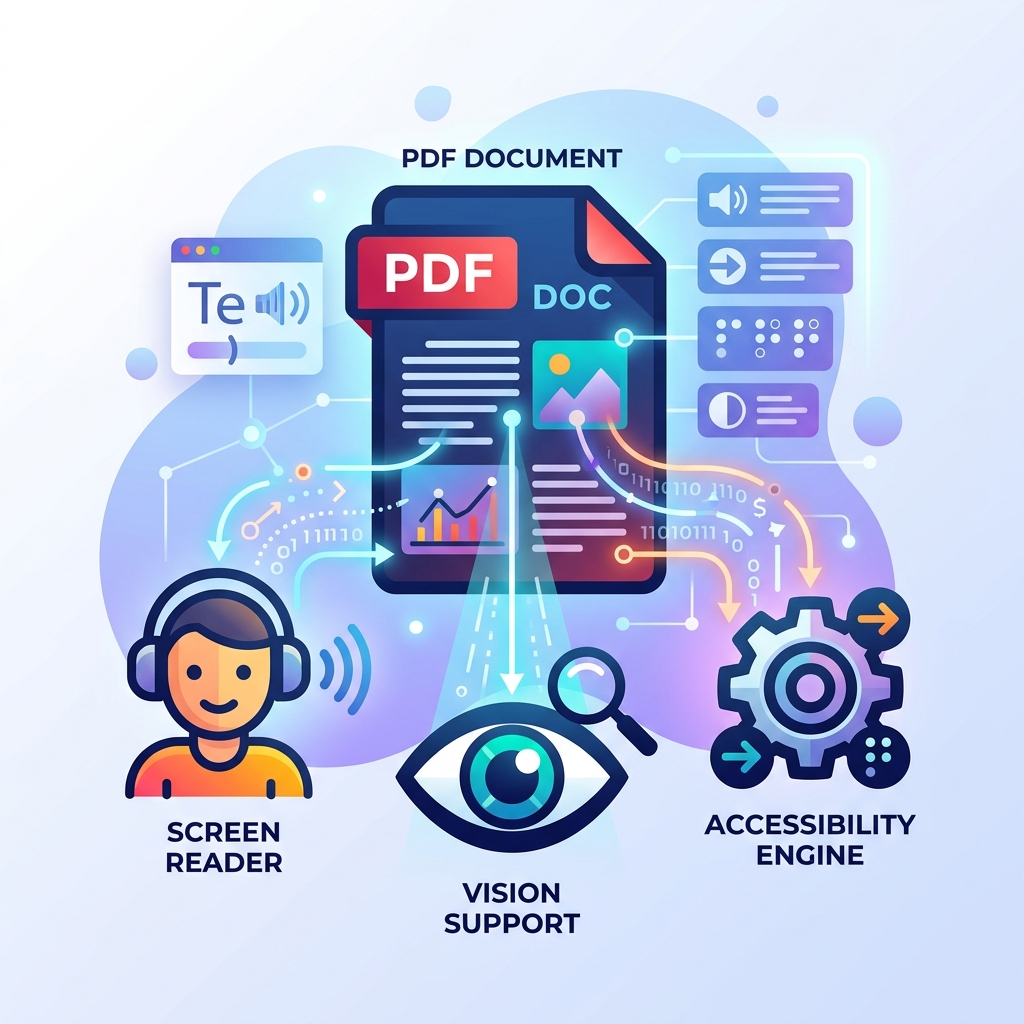
PDF documents are incredibly common, but they are often inaccessible to users relying on screen readers. Ensuring your documents meet accessibility standards isn't just about compliance; it's about making your content available to everyone.
Why PDF Accessibility Matters
For users with visual impairments, a screen reader is essential for consuming digital content. However, screen readers cannot interpret a scanned image of text or a document without a logical reading order. An accessible PDF uses tags to structure the document, providing semantic meaning to headings, paragraphs, lists, and tables.
Key Elements of an Accessible PDF
- Document Structure Tags: Tags define the reading order and distinguish between text, images, and structural elements like tables.
- Alternative Text: Every image, chart, and graph must have a descriptive alt text attribute so screen readers can convey its meaning.
- Language Definition: Setting the document's primary language allows screen readers to use the correct pronunciation rules.
- High Contrast: Text must have sufficient contrast against its background to be readable by users with low vision.
Steps to Improve PDF Accessibility
The best time to make a document accessible is before you export it to PDF. Applications like Microsoft Word and Adobe InDesign have built-in accessibility checkers. If you are starting with an existing PDF, use dedicated accessibility tools to auto-tag the document, manually verify the reading order, and add alt text to images.