


By Elias Shekh Writes the guides on this blog and builds the tools they describe.
Designing Scan-Friendly QR Codes: Colors, Contrast, and Placement
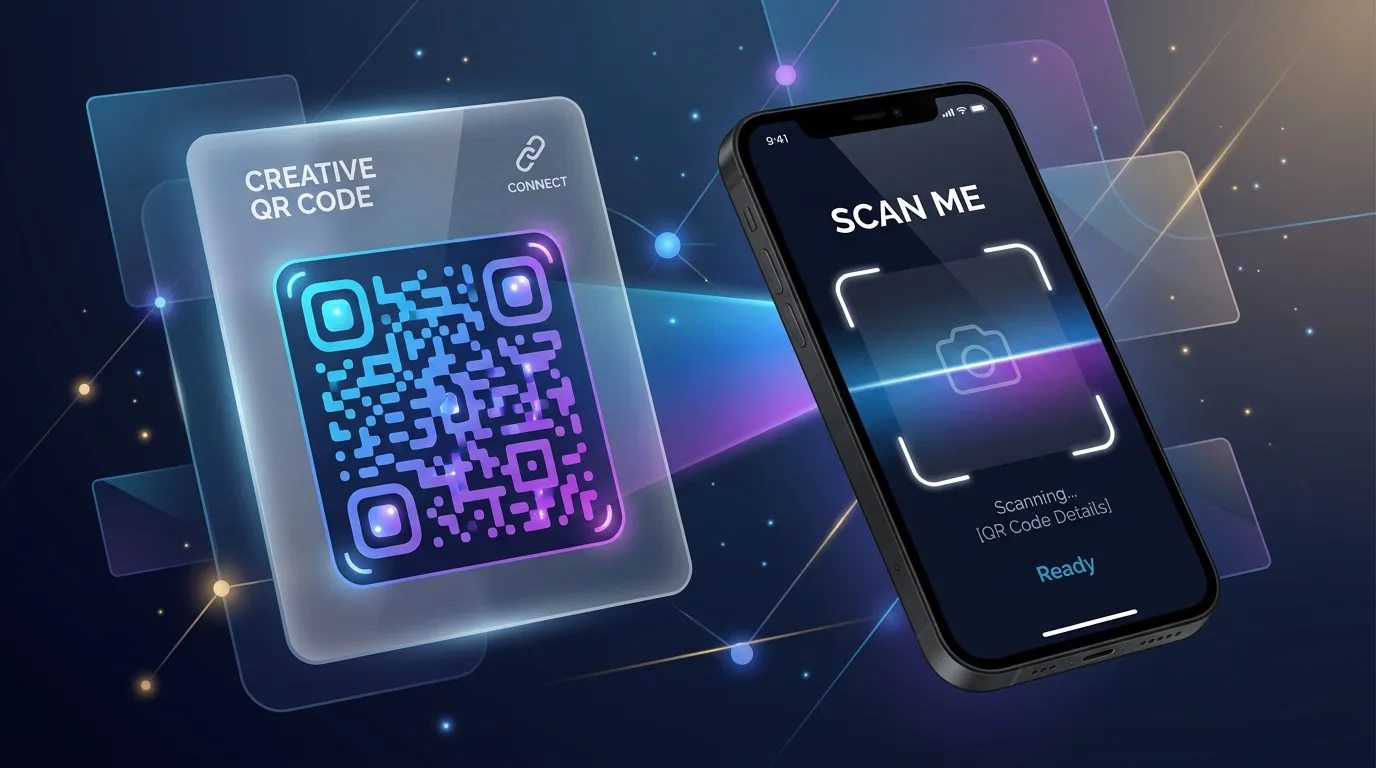
For years, QR codes were criticized for being ugly black-and-white patterns that ruined carefully crafted print and digital designs. Today, QR codes are a staple of physical-to-digital user experiences, and they can be customized to match your brand's visual identity. However, changing colors, adding logos, and modifying shapes can easily render a QR code unscannable if you aren't careful. Here is how to design beautiful QR codes that actually work.
The rule of contrast: why dark on light wins
QR code scanners rely on contrast to detect the modules (the small squares) against the background. The general rule is that the modules should be dark and the background should be light. If the contrast between the modules and the background is too low, or if you invert the colors (light modules on a dark background), many default phone cameras will struggle to scan the code, especially in low-light environments.
Adding logos and icons safely
QR codes have built-in error correction (often up to 30%), which allows them to be scanned even if part of the code is dirty, damaged, or covered. This error correction is what allows you to place a custom logo or icon in the center of the code. When adding a logo:
- Keep the logo centered, as the center of the code is less critical for decoding than the three large positioning squares (eyes) in the corners.
- Do not make the logo too large; it should not cover more than 15-20% of the total QR code area.
- Use a solid border around the logo to separate it from the QR code modules.
Avoiding complex gradients and textures
While subtle gradients look modern and beautiful, high-contrast multi-color gradients can confuse camera sensors. If you use a gradient, make sure all parts of the gradient remain significantly darker than the background color. Avoid using textures or photographic backgrounds behind the code, as the camera will struggle to distinguish the background pattern from the QR code modules.
Testing scannability across devices
Never print a customized QR code without testing it first. Scan it under different lighting conditions, at various distances, and using both older and newer devices. What scans instantly on a high-end phone in a bright office might fail completely on a budget phone in a dimly lit restaurant.